
Snip Tool Shortcut
AT
May 12, 2026·By Allums Tech Services
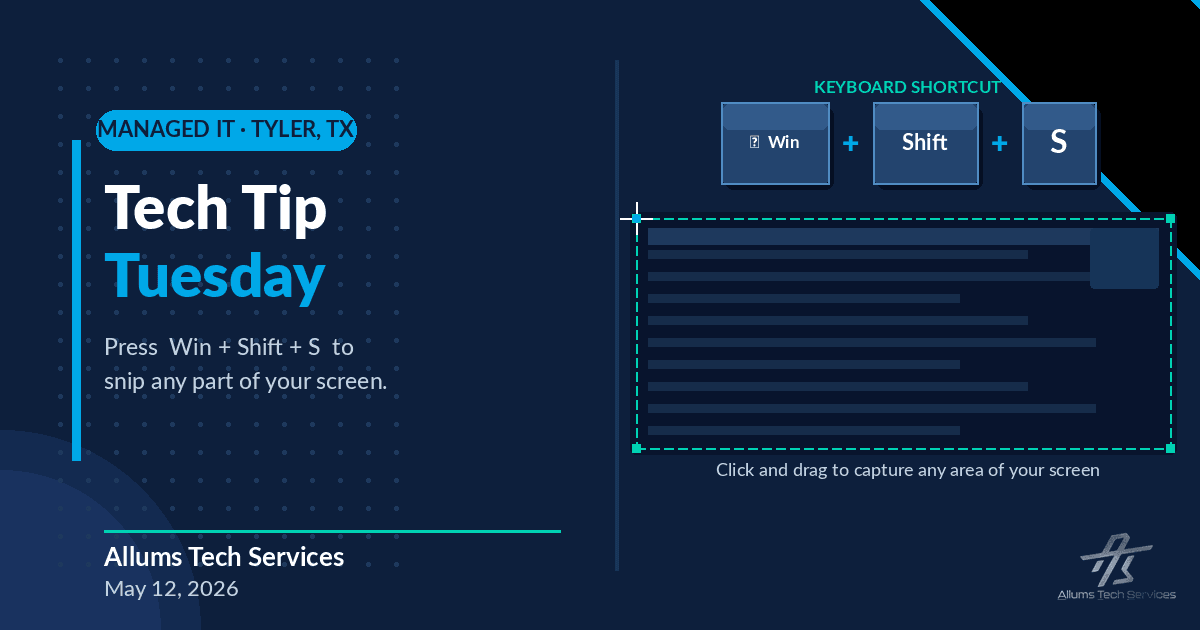
Tech Tip Tuesday!
Stop taking full screenshots and cropping them. There is a way faster way!
Press Windows key + Shift + S. A little toolbar pops up at the top of your screen. Just click and drag over the part you want to capture, and it copies straight to your clipboard. Then paste it into your email, Teams chat, or document with Ctrl + V.
Here is how:
- Press Windows key + Shift + S
- Drag to select the area you want
- Paste with Ctrl + V
Works on Windows 10 and 11. No extra apps needed!
Try it out and let us know if it saves you some time!